Loading…
Please wait while we prepare everything
Select Manufacturing Process
Choose the CNC process for your part
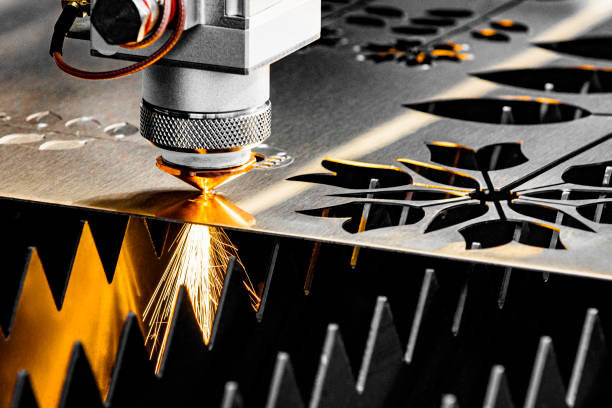
Fiber Lasercutting
High-precision cutting for metals — Mild Steel, Stainless Steel, Aluminum. Supports CNC bending.
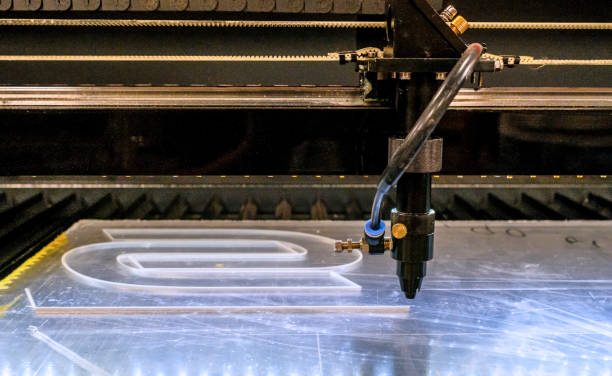
CO2 Lasercutting
For non-metals and plastics — Acrylic, Corian, ABS. Supports hot slit bending.
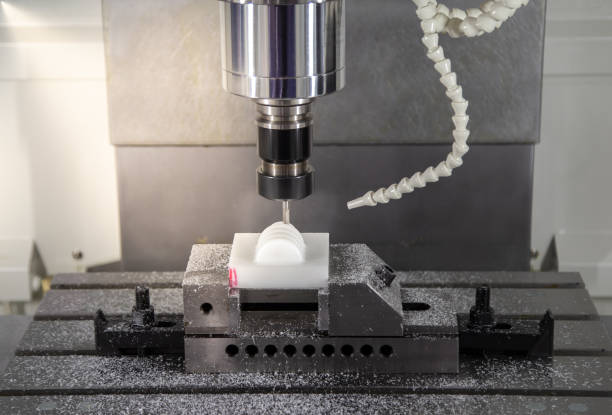
CNC Router
For wood, composites, plastics, and stone — Plywood, MDF, Acrylic, Carbon Fiber, Granite, and more.
Select Material
Choose a material compatible with your selected process
Select Post-Processing
Choose a finishing option for your part
None
No post-processing. Part delivered as-cut.
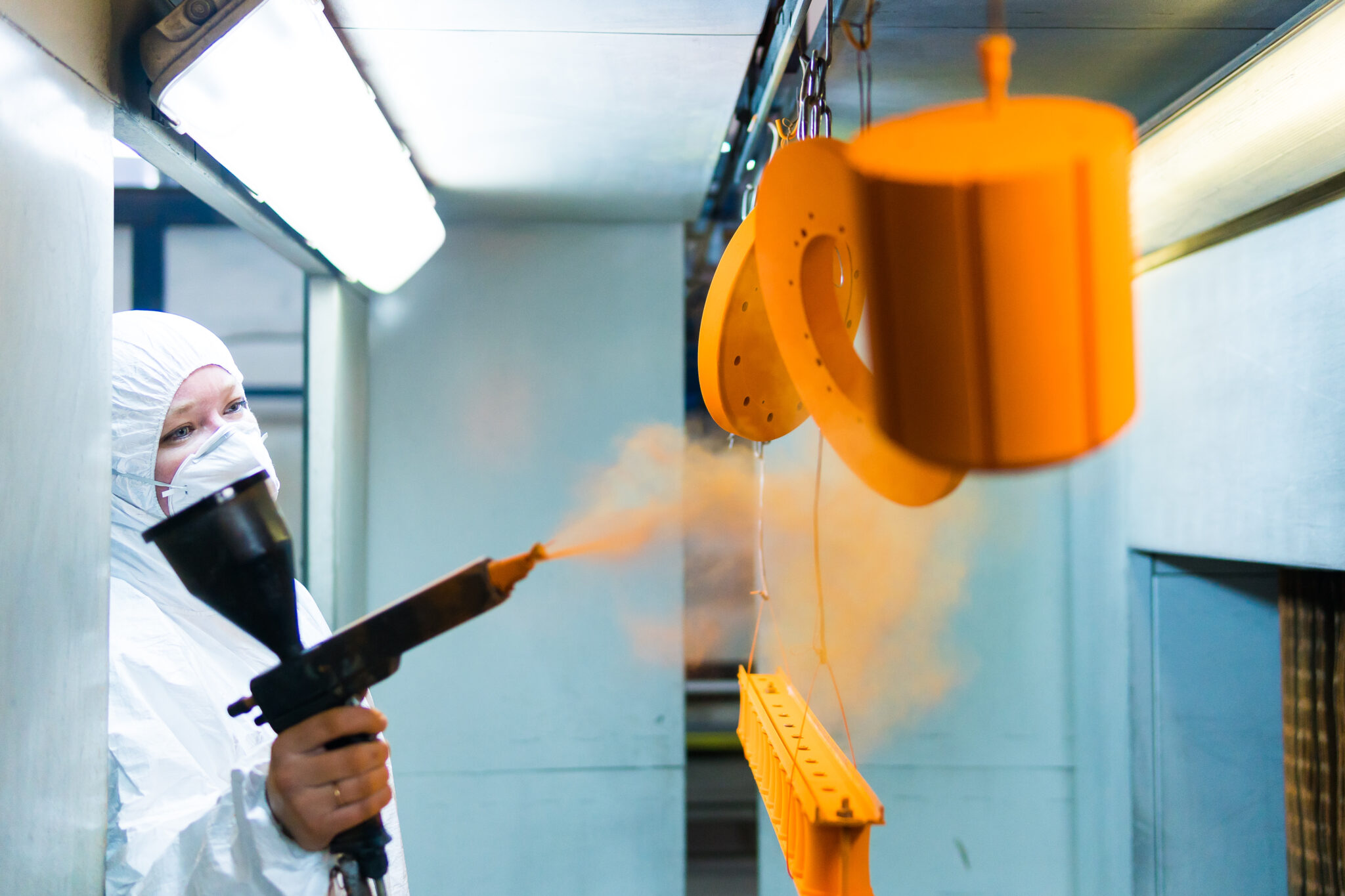
Powder Coating
Durable powder coat finish. Available for Mild Steel and Aluminum.
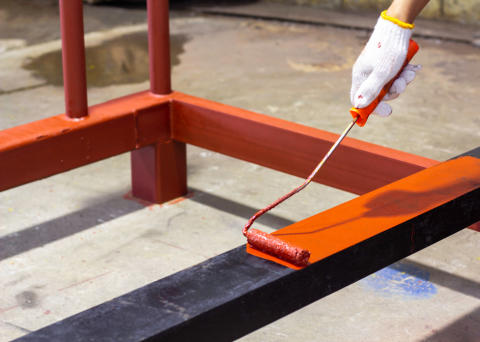
Painting
Spray paint finish. Available for Plywood, MDF, and HDHMR.
Design Guidelines
Please review these guidelines to ensure your DXF drawing is valid
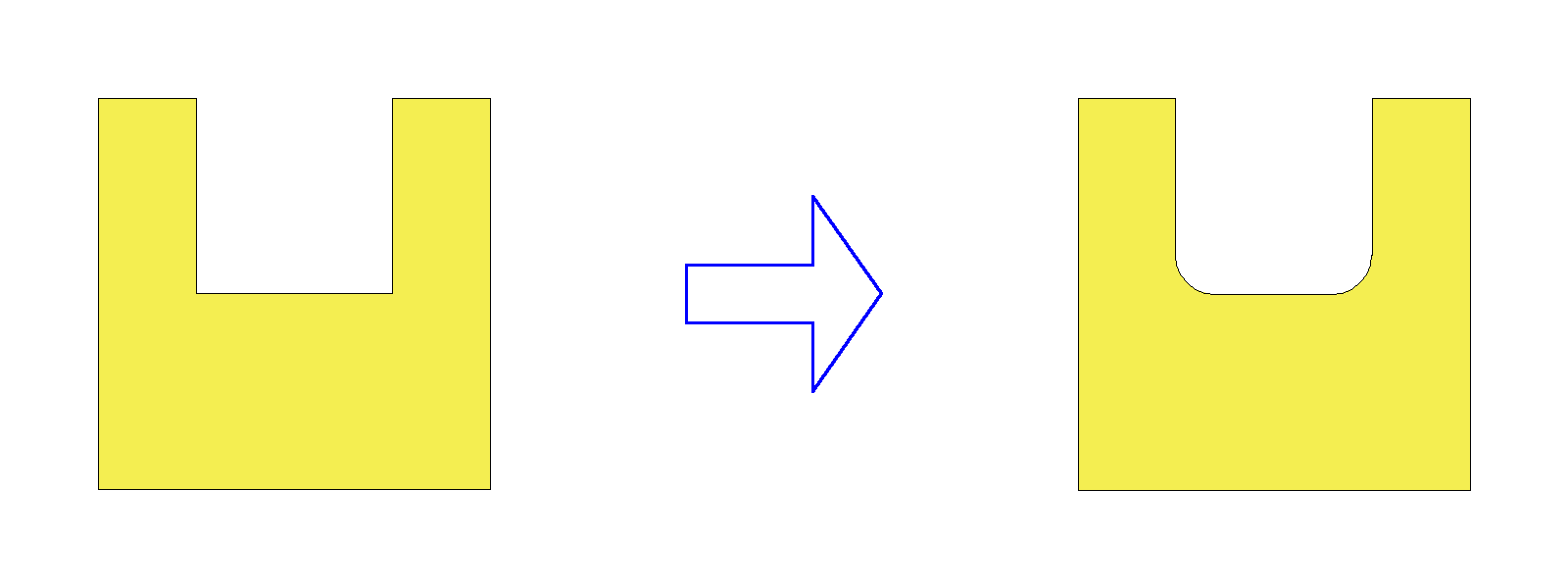
Automatic Edge Rounding CNC Router Only
CNC routers use a rotating circular bit to cut material. Because of the tool's round shape, all inner corners will be automatically rounded with a radius equal to half the tool diameter. For example, with a 6mm tool, inner corners will have a minimum 3mm radius. If your design has sharp inner corners, they will be rounded during manufacturing. Plan your design accordingly if tight corners are critical.
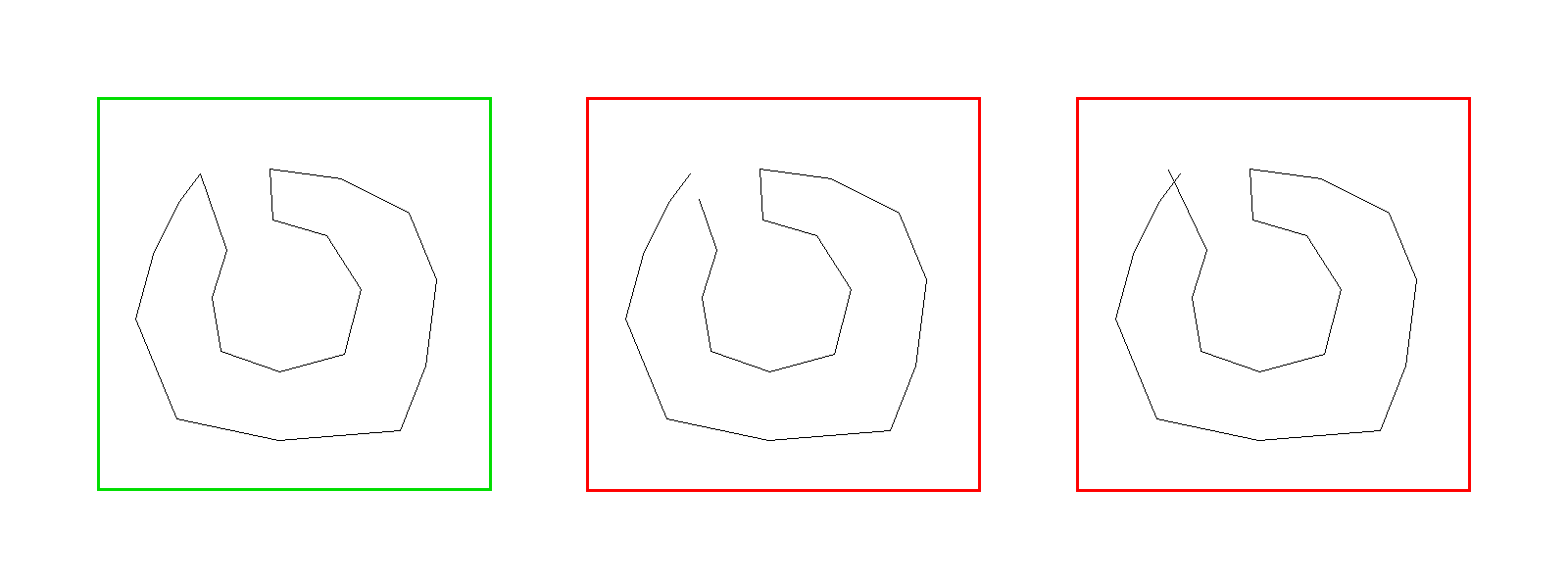
Closed Loops Required
Your design must consist of closed loops — every shape must form a fully enclosed boundary with no gaps. An open loop is a path where the start and end points do not meet, leaving a gap. Open loops cannot be manufactured because the cutting tool needs a complete boundary to follow. Ensure all lines, arcs, and curves connect end-to-end to form closed shapes.
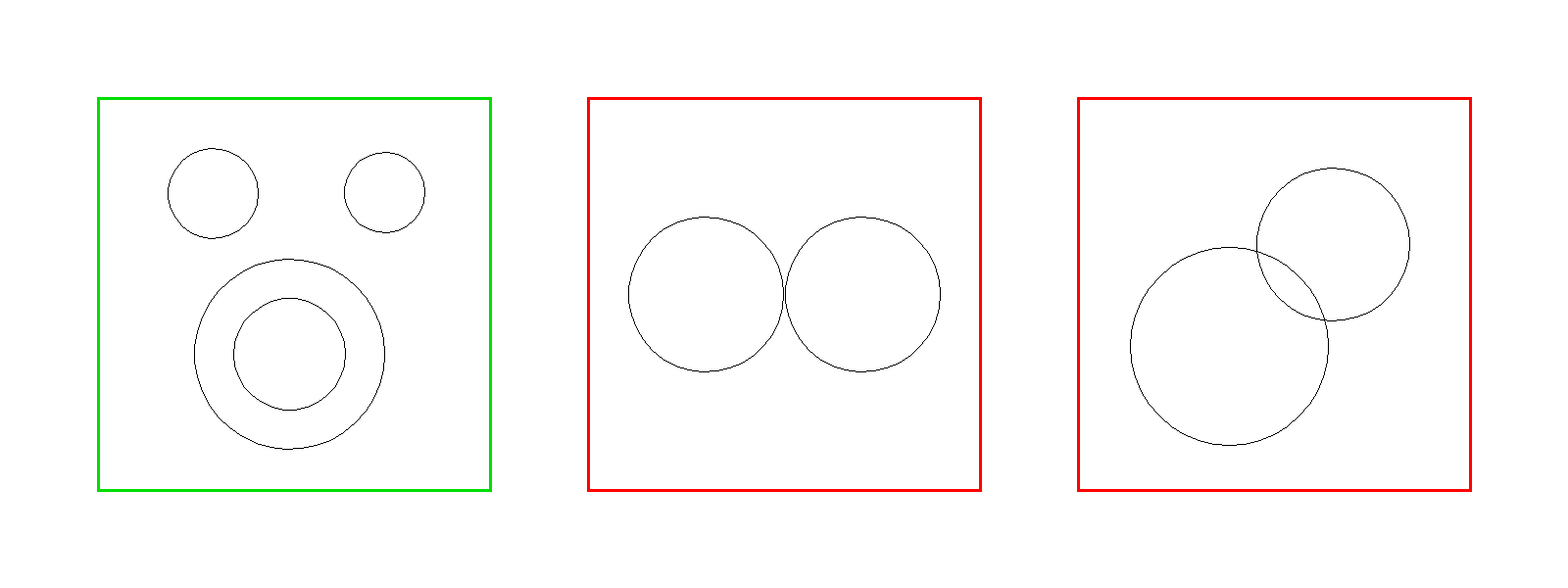
Loops Must Not Intersect
Loops in your design must not cross or overlap each other. Intersecting loops create ambiguous geometry that cannot be manufactured. If you need shapes within shapes (e.g. holes), ensure the inner loops are fully contained within the outer loop without any edges touching or crossing.
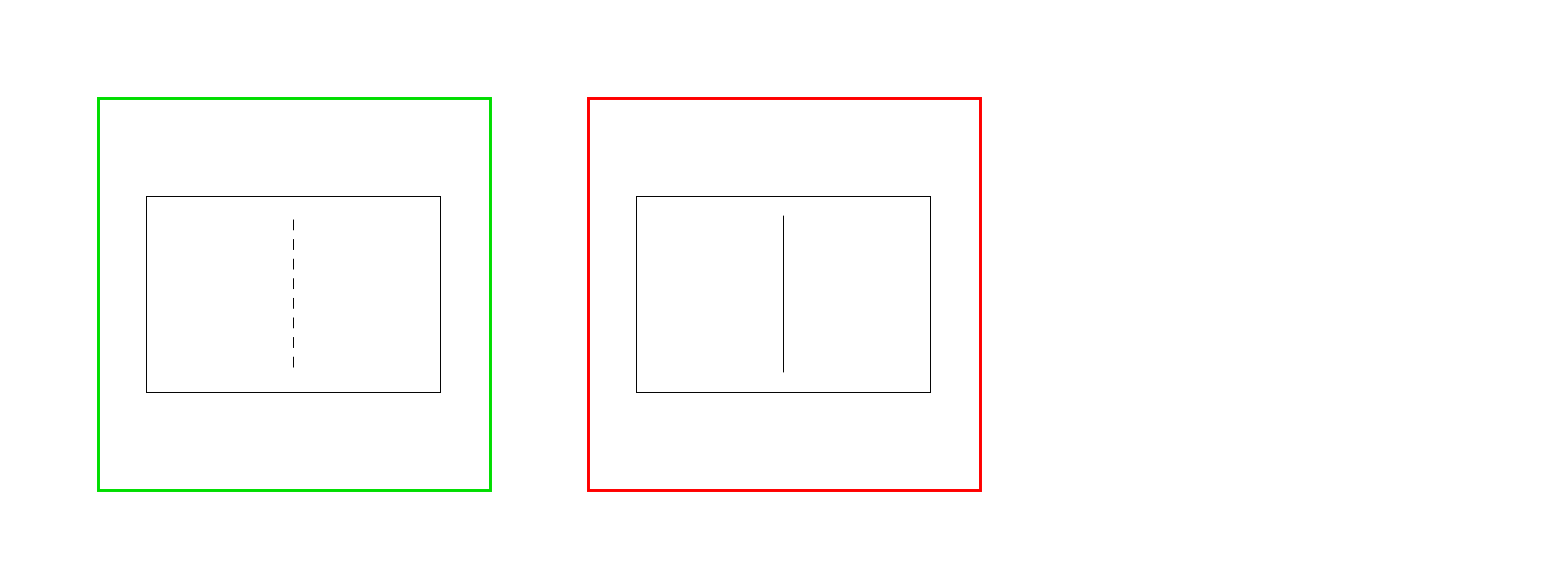
Defining Bend Lines with Linetypes Laser Cutting Only
To add bends to your sheet metal part, draw dashed lines in your DXF file. The system recognizes non-continuous linetypes (e.g. DASHED, CENTER, HIDDEN) as bend lines. Use your CAD software's linetype settings to change a line from continuous to dashed. Only straight lines can be bend lines — arcs and curves will not be recognized as bends.
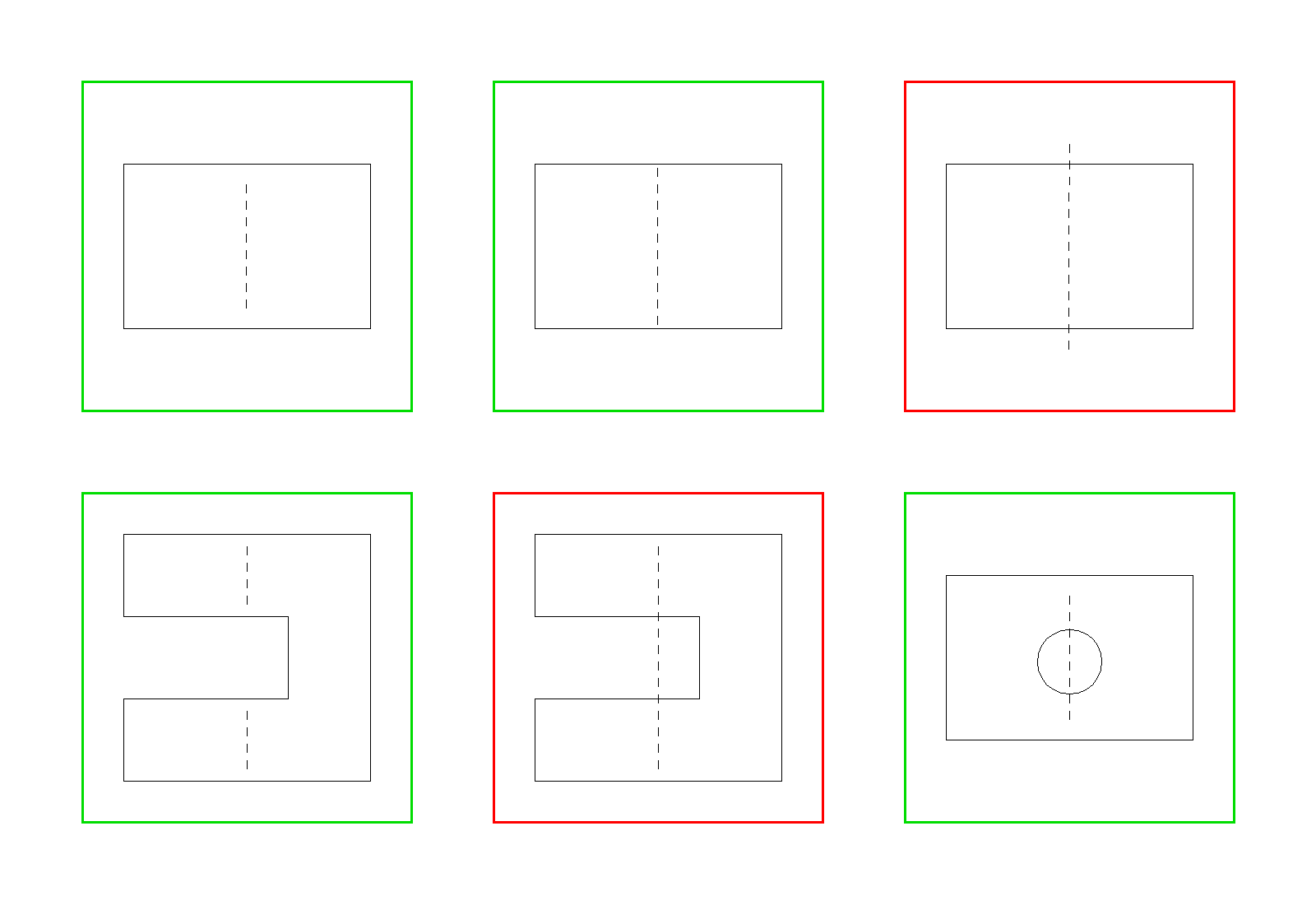
Positioning Bend Lines Laser Cutting Only
Bend lines must be drawn edge to edge across the part segment, almost connecting two points on the outer boundary, preferably having a very small gap to the boundary. The bend line should NOT cross the boundary or it may not be correctly recod
Loading Design Tool
Please wait while we prepare the design tools
Processing your design…
This may take a moment
Quotation
Review your specifications and cost breakdown
Specifications
| Manufacturing Process | — |
| Material | — |
| Thickness | — |
| Color / Finish | — |
| Post-Processing | — |
| Total Parts | — |
| Total Bends | — |
| Material Area | — |
| Total Weight | — |
Cost Breakdown
| Machining Cost = (cutting length × thickness × cutting rate) + (starting points × starting point rate) + (bends × bending rate) | — |
| Material Cost = material length × material width × material thickness × material rate | — |
| Post-Processing Cost = material length × material width × post-processing rate | — |
| Subtotal | — |
| GST (18%) | — |
| Total Per Piece | — |